
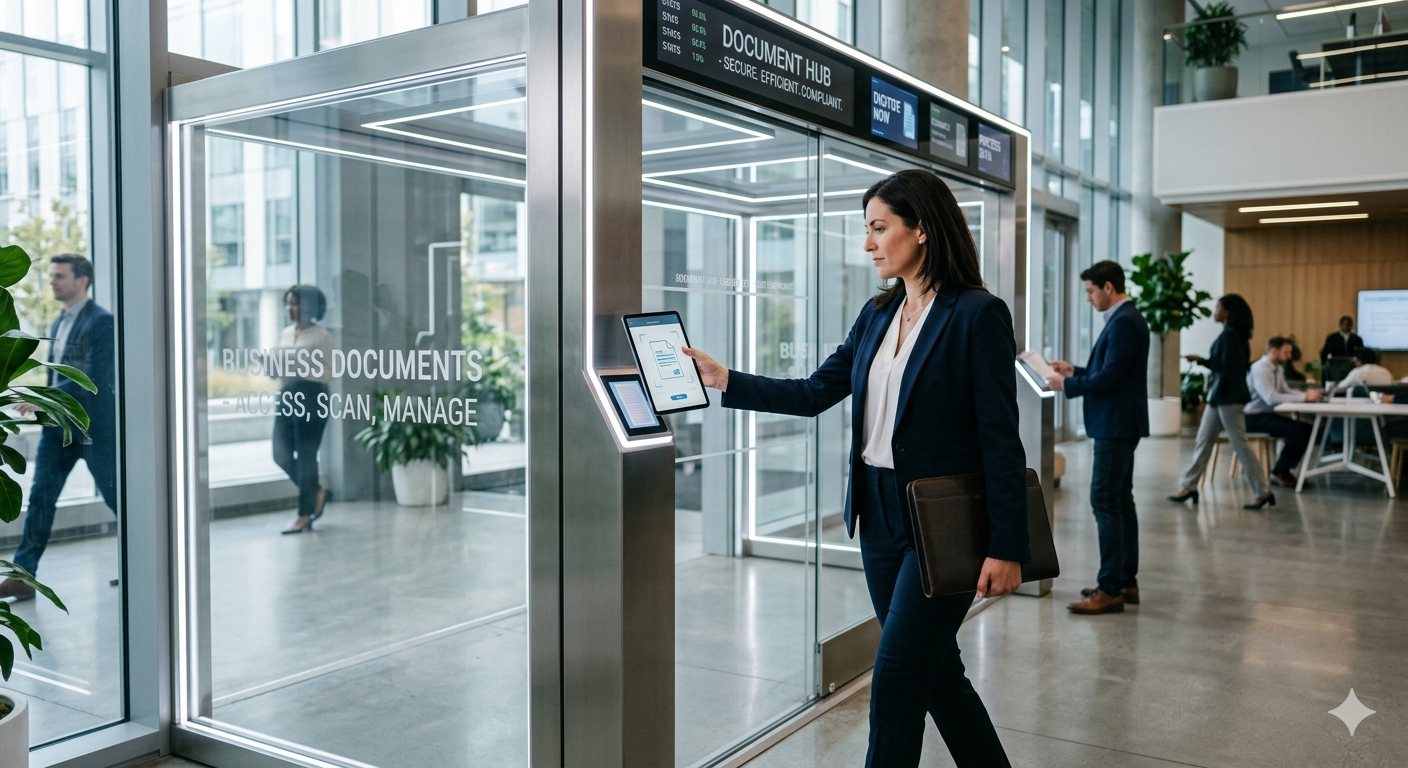
In today’s fast-paced business environment, the way companies handle their documents can make or break operational efficiency. Traditionally, businesses relied on physical mailrooms where documents were manually sorted, routed, and filed by administrative teams. However, as businesses increasingly move toward digital transformation, the need for a more efficient, secure, and scalable document handling process has led to the rise of Digital Mailroom Services.
Digital Mailroom Services enable businesses to automate the intake, classification, and processing of business documents that arrive in physical or electronic formats. Whether it’s paper documents being scanned into digital systems or email attachments being automatically routed to the correct departments, digital mailrooms streamline document workflows, reduce manual work, and ensure that critical information reaches the right hands quickly.
In this article, we’ll explore how Digital Mailroom Services are revolutionizing document management, enhancing productivity, and improving business agility.
What Are Digital Mailroom Services?
A Digital Mailroom is an automated system that digitizes incoming documents and processes them for immediate use. This can involve physical documents being scanned and categorized or digital documents (emails, PDFs, etc.) being automatically sorted and directed to the appropriate person or department within a company.
The core components of Digital Mailroom Services include:
- Document Capture: Digitizing physical documents using scanning tools and OCR (Optical Character Recognition) software.
- Document Classification: Sorting documents based on their content, such as invoices, contracts, purchase orders, or employee records.
- Routing and Workflow Automation: Automatically routing documents to the appropriate team or system for review, approval, or storage.
- Data Extraction: Pulling key data from documents (e.g., names, dates, amounts) and entering it into a central database or system.
- Archiving and Storage: Storing documents securely in digital format for future reference, with metadata for easy retrieval.
By automating these steps, a Digital Mailroom reduces human intervention, speeds up document processing, and makes it easier for businesses to maintain organized, searchable records.
How Digital Mailrooms Improve Business Efficiency
1. Faster Document Processing
A traditional mailroom can be slow, with documents needing to be manually opened, sorted, and routed to the correct department or individual. In contrast, Digital Mailroom Services expedite this process by automatically capturing and categorizing documents as soon as they arrive, whether they are physical or digital. This significantly reduces delays and ensures that important documents are processed and acted upon promptly.
For example:
- A purchase order that arrives via email can be automatically categorized and sent to the purchasing department for approval.
- A signed contract can be scanned, indexed, and routed to the legal team within minutes.
This real-time processing accelerates workflows and reduces bottlenecks in day-to-day operations.
2. Reduced Manual Data Entry
Manual data entry is not only time-consuming but also error-prone. With Digital Mailroom Services, incoming documents can be automatically scanned, and the key data can be extracted using advanced OCR and AI technologies. This reduces the need for employees to manually enter data into systems, lowering the chances of human error and ensuring that records are consistently accurate.
For instance:
- An invoice’s data (supplier name, invoice number, amount) can be automatically extracted and entered into the accounting system without any manual input.
3. Improved Document Accuracy and Integrity
By automating document sorting and processing, Digital Mailroom Services help ensure that documents are accurately classified and routed to the right department or person. This minimizes the chances of important documents getting lost, delayed, or misplaced.
Furthermore, document metadata (like timestamps, document IDs, and department codes) can be automatically captured and stored, creating a digital trail that enhances transparency and accountability. With every document processed, businesses gain a more detailed history of how the document was handled, when, and by whom.
4. Better Compliance and Security
For industries like healthcare, finance, and legal services, compliance with data protection regulations (such as HIPAA or GDPR) is a top priority. Digital Mailroom Services help ensure that sensitive documents are processed securely, stored in compliance with regulations, and only accessible to authorized individuals.
- Automated routing ensures that documents are only accessed by the appropriate departments.
- Encryption and secure cloud storage help protect documents from unauthorized access or breaches.
By keeping documents secure and compliant, businesses reduce the risks associated with data loss or legal challenges.
The Benefits of Going Digital with Mailroom Services
1. Cost Savings
Traditional mailrooms require physical space, dedicated staff, and paper-based processes, all of which add to operational costs. By adopting Digital Mailroom Services, businesses can cut costs in several areas:
- Reduced physical storage needs: No more filing cabinets, storage boxes, or office space dedicated to document storage.
- Lower labor costs: Less time is spent sorting, routing, and filing documents manually.
- Faster processing: Documents move through systems more quickly, reducing the time needed to handle each document and accelerating business operations.
2. Increased Productivity
With a digital mailroom, employees spend less time on administrative tasks like document sorting, filing, and manual data entry. Instead, they can focus on high-value activities like decision-making, customer service, or strategy. By automating repetitive processes, businesses can improve employee productivity and enable their teams to work more efficiently.
3. Scalable Operations
As your business grows, so does the volume of documents you need to process. A Digital Mailroom system is scalable and can handle increasing document volumes without the need for additional staff or physical infrastructure. As more documents are digitized, businesses can simply increase their storage capacity and automate more workflows, all without sacrificing speed or accuracy.
4. Environmental Sustainability
Going digital with your mailroom significantly reduces your business’s reliance on paper, contributing to environmental sustainability efforts. By cutting down on printing, paper storage, and transportation, businesses can reduce their carbon footprint and embrace greener practices.
How Digital Mailroom Services Benefit Specific Industries
Different industries benefit from Digital Mailroom Services in various ways. Here are some examples:
1. Healthcare: Improving Patient Record Management
In the healthcare industry, managing patient records is a time-sensitive and highly regulated task. By adopting digital mailrooms, healthcare organizations can streamline patient intake forms, medical records, and billing information, ensuring faster processing and compliance with privacy regulations like HIPAA.
- Automated processing: Forms are scanned, processed, and classified automatically, reducing delays in patient care.
- Improved accuracy: OCR technology ensures that patient data is accurately entered into Electronic Health Records (EHR) systems.
2. Finance: Streamlining Accounts Payable and Receivable
In finance, processing invoices, receipts, and financial statements is a vital function. With Digital Mailroom Services, invoices can be scanned and routed directly to the accounting team for approval, ensuring that payments are processed faster and with fewer errors.
- Automated data extraction: Invoice details are automatically extracted and entered into the accounting system, reducing manual entry.
- Faster approvals: Automated workflows ensure that financial documents are routed to the appropriate approvers quickly.
3. Legal: Improving Document Access and Management
Law firms and legal departments handle large volumes of sensitive documents, including contracts, court filings, and client communications. Digital Mailroom Services allow legal teams to store, retrieve, and manage these documents securely and efficiently.
- Secure document storage: Legal documents are securely stored with encryption, ensuring compliance with regulations.
- Efficient document retrieval: Legal teams can search and retrieve documents quickly, reducing the time spent on manual file management.
4. Retail: Enhancing Customer Order Processing
In retail, processing customer orders, invoices, and purchase orders is a critical function. Digital Mailroom Services help ensure that orders are processed quickly improving customer satisfaction and reducing delays.
- Automated order routing: Customer orders are automatically routed to the right fulfillment center or department for processing.
- Real-time order tracking: Retailers can track orders in real-time, ensuring accurate delivery and faster response times.
Getting Started with Digital Mailroom Services
If you’re ready to make the move to a digital mailroom, here’s how to get started:
1. Evaluate Your Current Document Handling Process
Start by evaluating your current document intake process. Identify pain points, bottlenecks, and areas where automation could help. Understanding where the most time is spent manually processing documents will help you prioritize areas for improvement.
2. Choose the Right Digital Mailroom Provider
Select a Digital Mailroom Services provider that fits your needs. Look for a solution that integrates well with your existing systems, is scalable to grow with your business, and meets your compliance requirements.
3. Implement Automation for Document Capture and Routing
Set up automated document capture using OCR and AI tools to extract data from incoming documents. Then, configure the system to route documents to the appropriate department or team, ensuring smooth workflows.
4. Train Employees and Test the System
Ensure your team is trained on how to use the new system. Conduct a pilot test to iron out any issues before fully implementing the digital mailroom. Monitor the system closely to ensure it meets your expectations.
Conclusion
Digital Mailroom Services offer businesses a smarter, more efficient way to handle documents. By automating document capture, classification, and routing, businesses can improve processing speeds, reduce errors, and save time and money. Whether you’re in healthcare, finance, legal, or retail, digital mailrooms provide a streamlined, secure solution for managing your business documents.
As companies continue to embrace digital transformation, adopting Digital Mailroom Services will become increasingly critical for staying competitive, improving customer service, and maintaining compliance. By moving away from manual bottlenecks and embracing automation, businesses can move work faster, with greater accuracy, and more efficiency than ever before.
 glennprior
  addisonjons